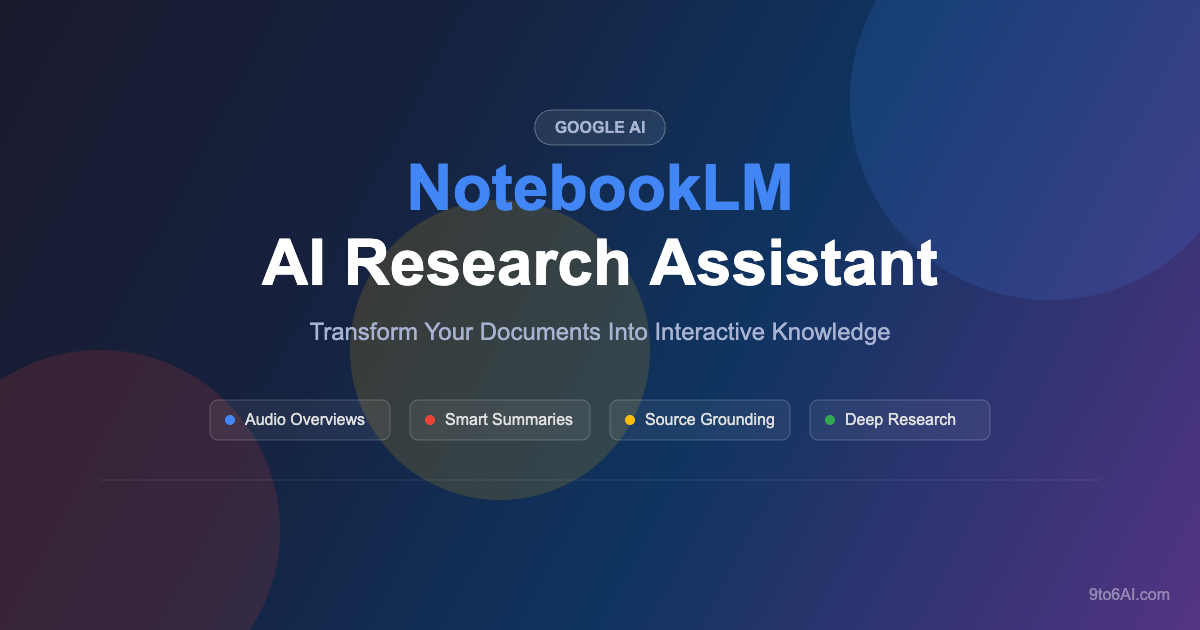
In the rapidly evolving landscape of artificial intelligence, NotebookLM has emerged as one of the most innovative and widely adopted AI tools of 2026. Developed by Google, this AI-powered research assistant is transforming how professionals, students, and knowledge workers interact with their documents and data. If you have ever wished for a personal research assistant that could instantly understand, summarize, and even discuss your uploaded materials, NotebookLM is the tool you have been waiting for.
What Is NotebookLM?
NotebookLM (formerly known as Project Tailwind) is a free AI-powered research and note-taking tool built by Google. Unlike general-purpose chatbots that rely on broad internet knowledge, NotebookLM is designed to be source-grounded, meaning it generates responses based exclusively on the documents and sources you provide. This makes it exceptionally accurate and reliable for research, study, and professional work.
You can upload PDFs, Google Docs, web URLs, YouTube videos, and even audio files. NotebookLM then analyzes your sources and allows you to ask questions, generate summaries, create study guides, and produce its signature feature: Audio Overviews.
Key Features of NotebookLM in 2026
1. Audio Overviews — AI-Generated Podcasts
The standout feature that catapulted NotebookLM into the mainstream is its Audio Overviews. This feature converts your uploaded documents into an engaging, podcast-style dialogue between two AI hosts. The AI hosts discuss your material naturally, breaking down complex topics into digestible conversations. Whether you are studying for an exam or preparing for a business presentation, Audio Overviews make it easy to absorb information on the go.
2. Source-Grounded AI Responses
Every response NotebookLM generates includes inline citations that link back to the specific passages in your uploaded sources. This eliminates the hallucination problem common with other AI tools and ensures that every piece of information can be verified. For researchers and professionals who need accuracy above all else, this feature is a game-changer.
3. Interactive Study Guides and FAQs
NotebookLM can automatically generate comprehensive study guides, frequently asked questions, timelines, and briefing documents from your sources. This is particularly valuable for students preparing for exams, professionals onboarding into new roles, or anyone who needs to quickly master a body of knowledge.
4. Multi-Source Analysis
You can upload up to 50 sources per notebook, and NotebookLM will analyze connections, themes, and patterns across all of them. This cross-referencing capability makes it ideal for literature reviews, competitive analysis, legal research, and any project that requires synthesizing information from multiple documents.
5. NotebookLM Plus
In 2026, Google introduced NotebookLM Plus as part of the Google One AI Premium plan. This upgraded tier offers higher usage limits, the ability to customize Audio Overview hosts, team collaboration features through shared notebooks, and enhanced analytics on notebook usage.
How to Get Started With NotebookLM
Getting started with NotebookLM is straightforward and completely free for the basic tier:
Step 1: Visit notebooklm.google.com and sign in with your Google account.
Step 2: Create a new notebook and upload your sources. You can add PDFs, Google Docs, Slides, web URLs, YouTube links, or paste text directly.
Step 3: Start asking questions about your sources, or use the built-in tools to generate summaries, study guides, or Audio Overviews.
Step 4: Save and organize your notes within the notebook for future reference.
Who Should Use NotebookLM?
NotebookLM is ideal for a wide range of users:
Students can use it to create study guides, generate practice questions, and listen to Audio Overviews of their course materials while commuting or exercising.
Researchers benefit from the source-grounded approach, ensuring every AI-generated insight is traceable back to specific documents and citations.
Business Professionals can quickly digest lengthy reports, prepare for meetings, and create briefing documents without reading hundreds of pages manually.
Content Creators can use NotebookLM to research topics deeply, generate outlines, and find unique angles for their content based on uploaded reference materials.
NotebookLM vs Other AI Tools
What sets NotebookLM apart from competitors like ChatGPT, Claude, and Perplexity is its laser focus on your personal sources. While other tools search the internet or rely on training data, NotebookLM works exclusively with the documents you provide. This makes it more accurate for specific tasks and eliminates the risk of AI hallucinations contaminating your research.
The Audio Overviews feature also remains unique in the AI landscape. No other mainstream tool offers the ability to turn any document into a natural-sounding podcast conversation with such ease and quality.
Pricing and Availability
NotebookLM offers a generous free tier that includes notebook creation, source uploads, AI-powered Q&A, and limited Audio Overviews. For power users who need higher limits and collaboration features, NotebookLM Plus is available through the Google One AI Premium plan at $19.99 per month, which also includes access to Gemini Advanced and other Google AI features.
Final Verdict
NotebookLM represents a significant leap forward in how we interact with information. By combining source-grounded AI with innovative features like Audio Overviews, Google has created a tool that is both powerful and accessible. Whether you are a student, researcher, or professional, NotebookLM deserves a spot in your AI toolkit for 2026.
Its commitment to accuracy through source grounding, combined with the unique podcast-generation capability, makes it stand out in a crowded AI market. If you have not tried NotebookLM yet, now is the perfect time to explore what this remarkable AI research assistant can do for your productivity and learning.